Any Language
Deploy static sites, APIs, backends, databases, and more with support for all major frameworks and language stacks.

Launch modern application hosting workflows on India VPS infrastructure powered by Coolify.io. Self-host Next.js, Nuxt.js, Remix, SvelteKit, WordPress, Ghost, Plausible Analytics, databases, APIs, and Docker-compatible services with a cleaner deployment layer.
Choose your India VPS plan below, then open a ticket for Coolify installation and setup. For the broader VPS catalog, compare VPS Hosting India. If you specifically need Node.js hosting or dedicated database hosting, we have purpose-built plans too.






Host your own databases, services like WordPress, Ghost, and Plausible Analytics, and application stacks like Next.js, Nuxt.js, Remix, and SvelteKit with a deployment layer that is much friendlier than doing everything by hand.
Deploy static sites, APIs, backends, databases, and more with support for all major frameworks and language stacks.
Start on India VPS infrastructure from HostMyCode and run application hosting on a server base that gives you cleaner SSH access, dedicated resources, and room to scale self-hosted workloads properly.
Supports single servers, multi-server setups, and Docker Swarm clusters for broader production deployment patterns.
Run Docker-compatible services and one-click options for WordPress, Ghost, Plausible Analytics, databases, and more.
Connect GitHub, GitLab, Bitbucket, Gitea, and similar platforms to deploy from your repositories cleanly.
Automatically provisions and renews Let's Encrypt SSL certificates for custom domains when configured.
Your data and configuration stay on your own servers for stronger control and easier portability later.
Back up data to S3-compatible storage and restore when needed with much less manual overhead.
Integrates with GitHub Actions, GitLab CI, Bitbucket Pipelines, and other automation flows through webhooks.
Automate deployments, manage resources, and connect application hosting workflows into your existing tooling.
Run server commands directly from the browser when you need hands-on control without leaving the panel.
Share projects with your team, manage roles, use pull request deployments, automate server setup tasks, and monitor resources and alerts.
The page is positioned around application hosting on your own India VPS, with a control surface that makes deployments, services, Git connections, domains, SSL, backups, and visibility much easier to operate.
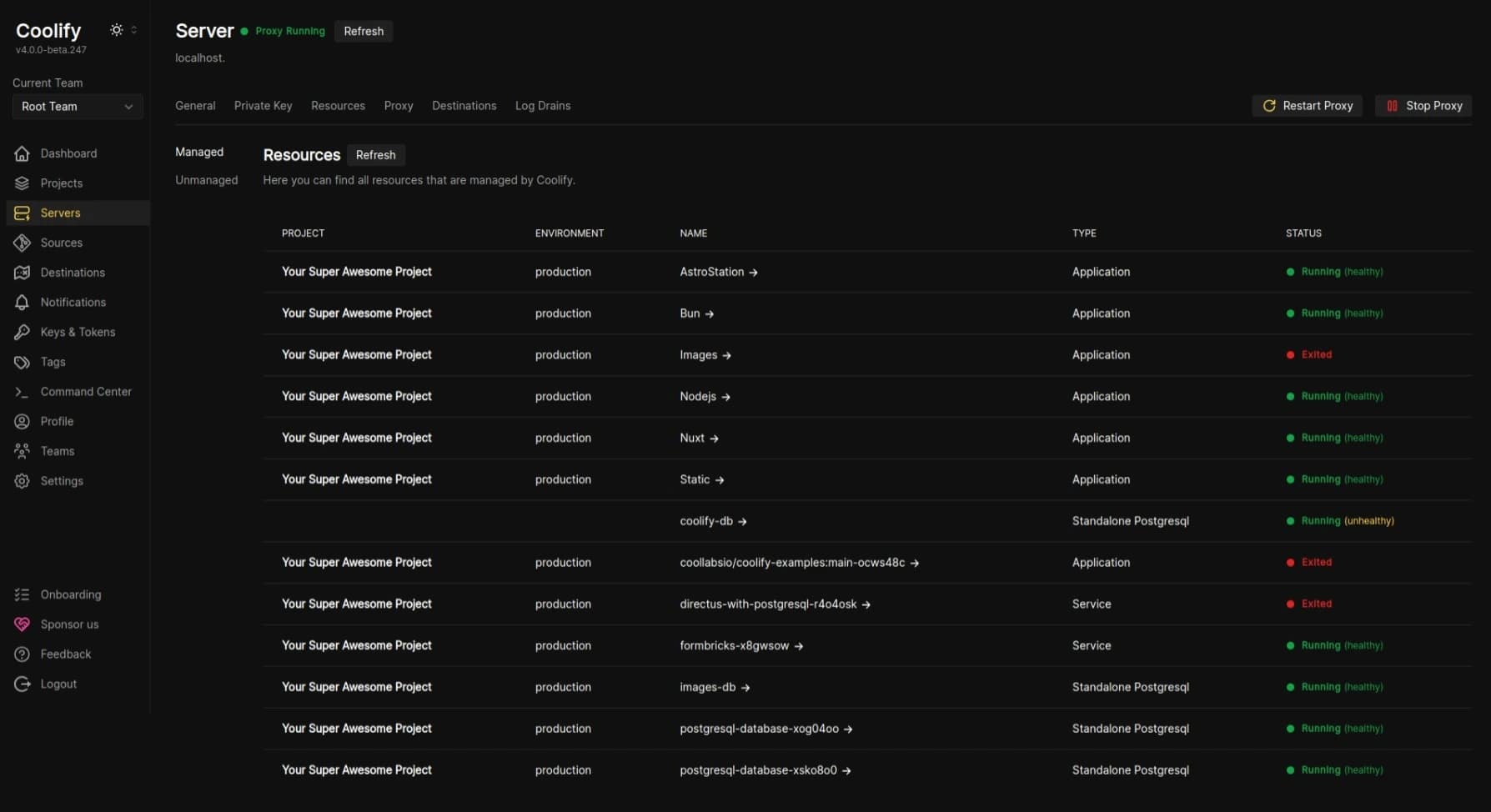
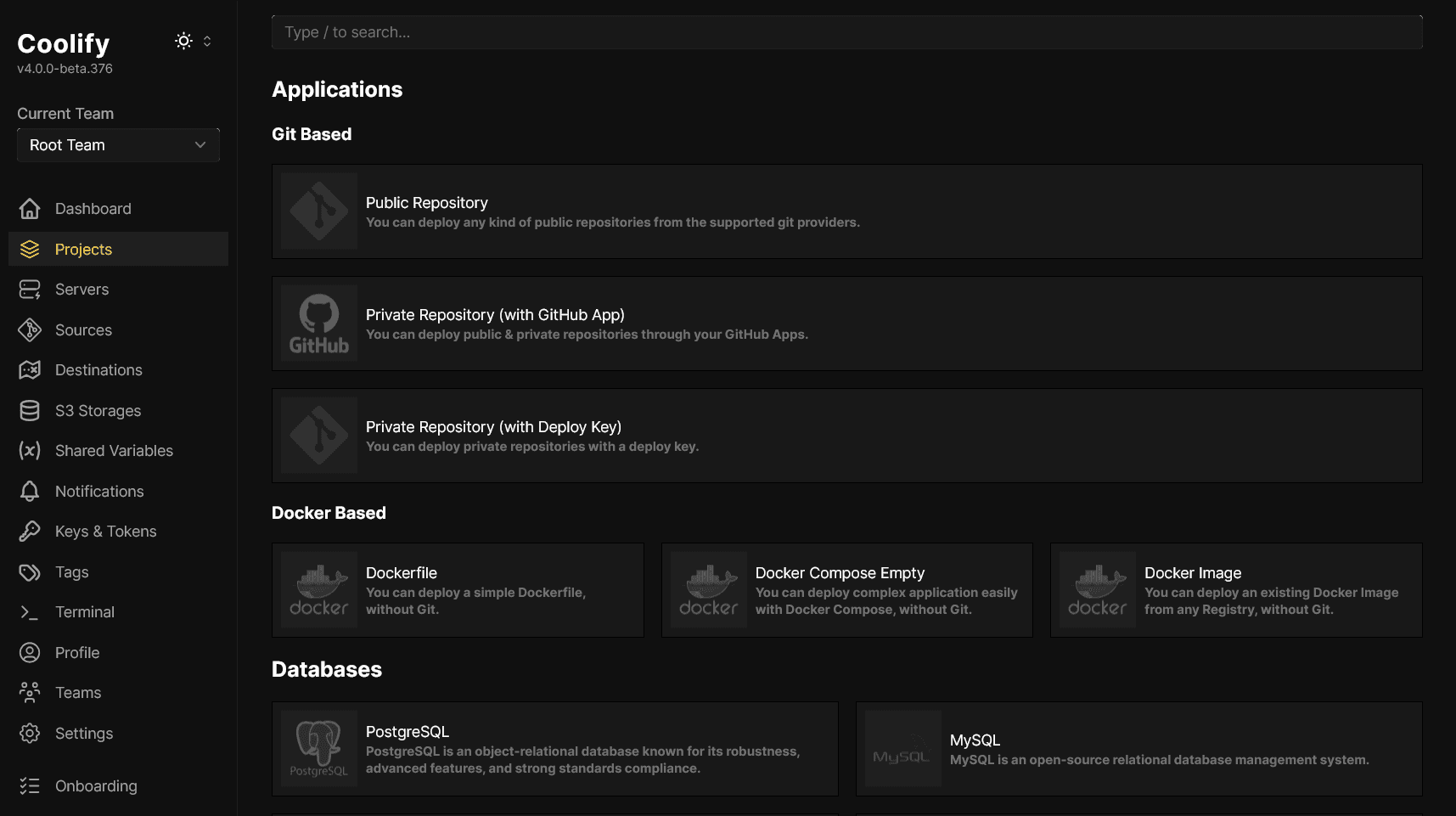
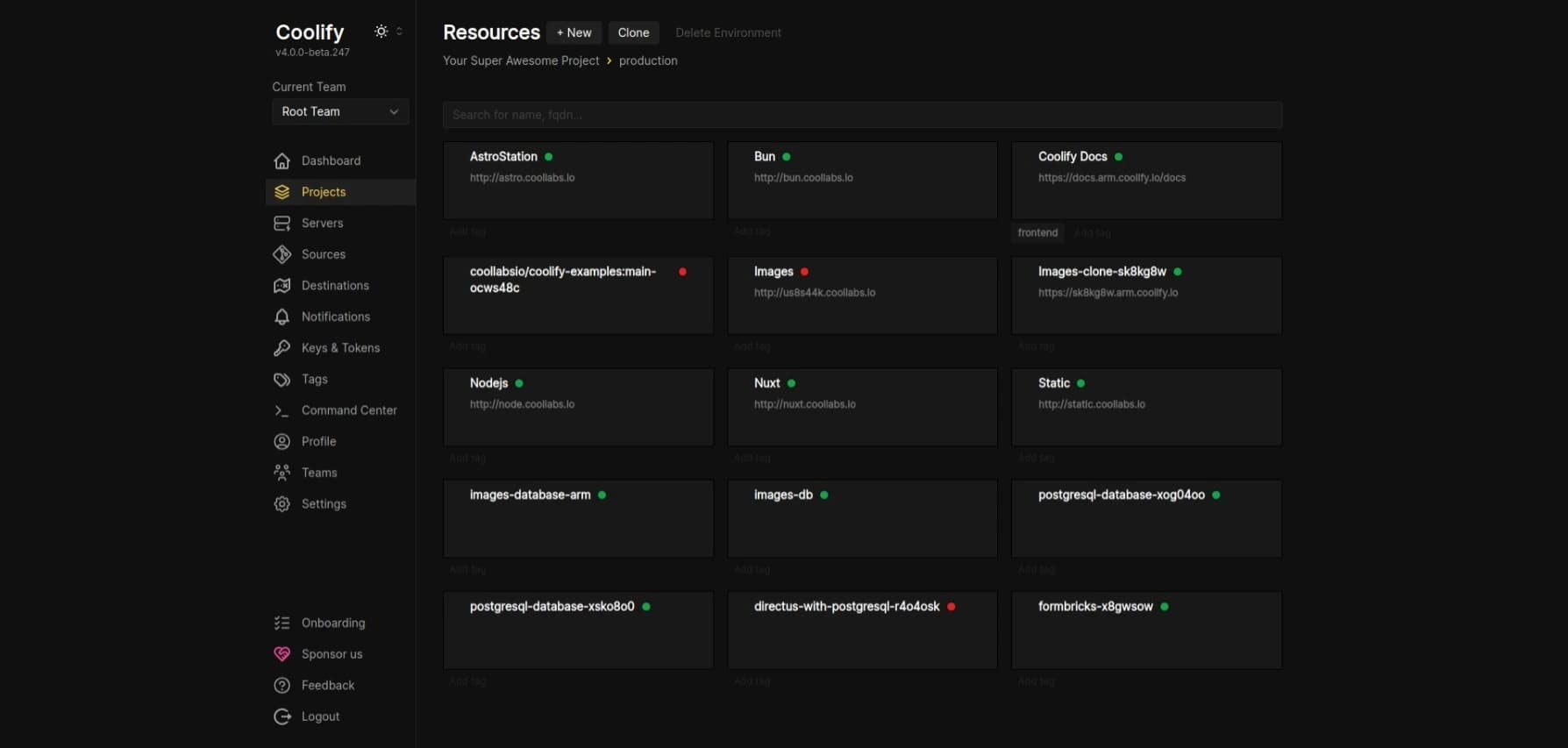
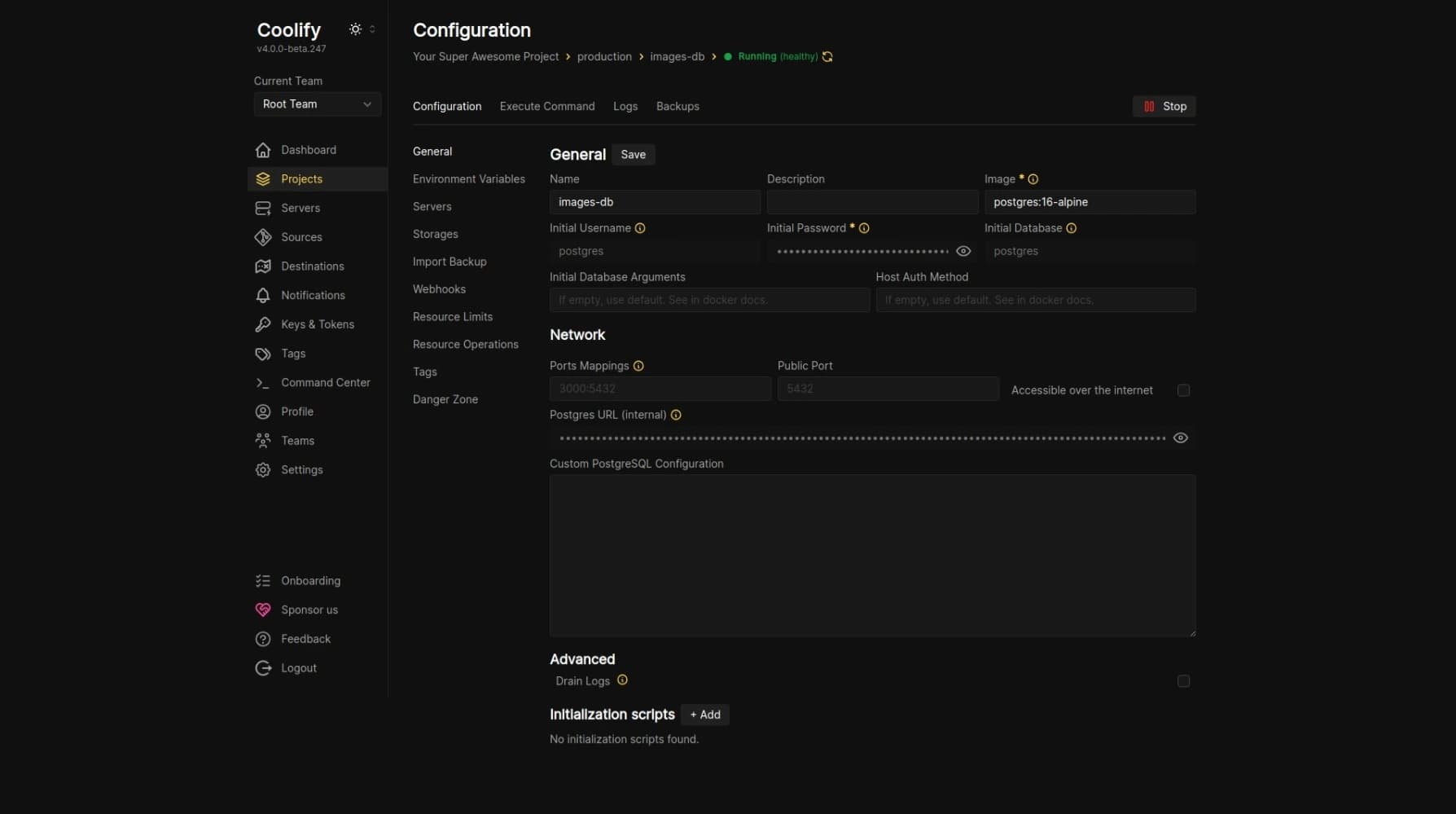
Choose the India VPS size you need for your app stack first. Then open a ticket so the team can handle Coolify installation and setup around your repositories, services, domains, SSL, backups, and deployment goals.
Every India VPS is protected by Cloudflare Magic Transit, so volumetric network attacks are absorbed at Cloudflare's edge before they reach your server.
Annual billing on this starter tier.
Instant VPS deployment.
Instant VPS deployment.
Instant VPS deployment.
Instant VPS deployment.
Instant VPS deployment.
Instant VPS deployment.
Instant VPS deployment.
Instant VPS deployment.
Instant VPS deployment.
Instant VPS deployment.
1 vCPU • 1 GB RAM
Up to 2.5 GHz
2 vCPU • 2 GB RAM
Up to 2.5 GHz
4 vCPU • 4 GB RAM
Up to 2.5 GHz
6 vCPU • 6 GB RAM
Up to 2.5 GHz
8 vCPU • 8 GB RAM
Up to 2.5 GHz
12 vCPU • 12 GB RAM
Up to 2.5 GHz
16 vCPU • 16 GB RAM
Up to 2.5 GHz
24 vCPU • 32 GB RAM
Up to 2.5 GHz
32 vCPU • 64 GB RAM
Up to 2.5 GHz
48 vCPU • 128 GB RAM
Up to 2.5 GHz
64 vCPU • 192 GB RAM
Up to 2.5 GHz
After choosing your India VPS plan, open a support ticket and share the applications or services you want to run. The team can take care of Coolify installation and the initial setup so your environment is prepared properly from the start.
Share whether you need Next.js, Nuxt.js, Remix, SvelteKit, WordPress, Ghost, Plausible Analytics, databases, APIs, or other Docker-friendly services.
The setup can cover installation, SSH-based server preparation, Git deployment paths, SSL planning, backup direction, and the initial service layout.
Once the base is ready, you keep the advantages of self-hosting: your own server, your own data, and a deployment workflow that is easier to operate.
Answers about application hosting, India VPS plans, setup direction, and the kinds of applications, services, and databases this service is built to run.
This service is built for modern applications, APIs, background workers, dashboards, self-hosted services, and databases running on India VPS infrastructure. It suits frameworks like Next.js, Nuxt.js, Remix, SvelteKit, Node.js applications, Python services, Java workloads, and Docker-compatible stacks that need isolated server resources.
Yes. You can run application workloads together with supporting services like PostgreSQL, MongoDB, analytics tools, CMS platforms, APIs, queues, and other Docker-compatible services on the same VPS or across a larger multi-service setup depending on the plan size you choose.
Yes. This service is positioned for Git-based deployment workflows, which makes it suitable for teams that want to deploy from repositories, push changes more cleanly, and manage applications with a more structured release flow than manual uploads.
Yes. This application hosting service is designed for framework-based deployments on VPS infrastructure, including Next.js, Nuxt.js, Remix, SvelteKit, and similar modern stacks that need runtime flexibility, service orchestration, and cleaner deployment control.
Yes. Although this service is positioned around application hosting, it also works for self-hosted services like WordPress, Ghost, Plausible Analytics, and other Docker-friendly tools when you want them on VPS infrastructure with stronger control.
Yes. This service is meant for production-style application hosting where custom domains, SSL, service routing, and cleaner deployment structure matter. It is much better suited than generic shared hosting when you need that level of control.
Yes. After you choose your India VPS plan, you can open a support ticket and the HostMyCode team can help with the initial application-hosting setup, including server preparation, deployment flow planning, domain direction, SSL setup, and the first service layout.
Start with the expected application footprint: runtime, database usage, traffic profile, storage needs, and whether you are running one service or multiple services together. If you are unsure, open a ticket and HostMyCode can help you choose the right India VPS plan before setup begins.